

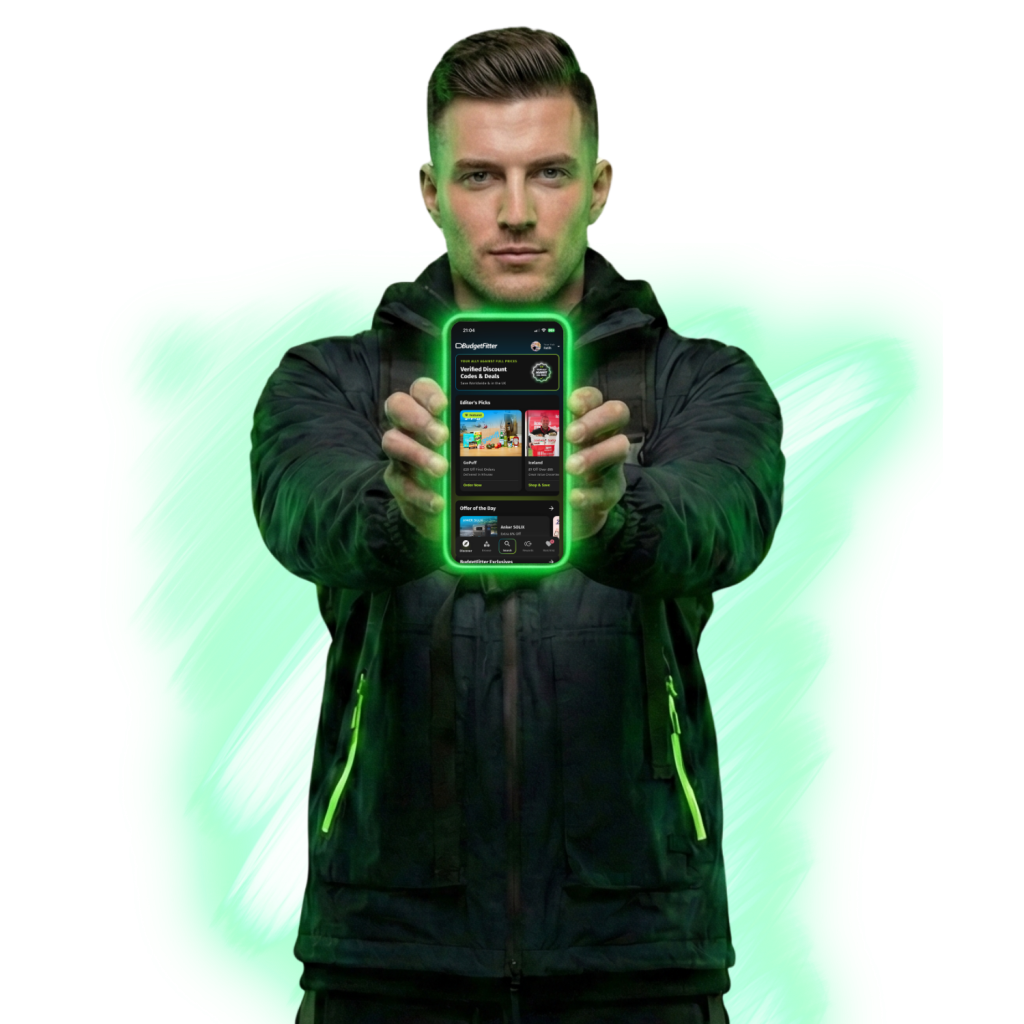

EQUIP YOUR DEVICE


TACTICAL ADVANTAGE
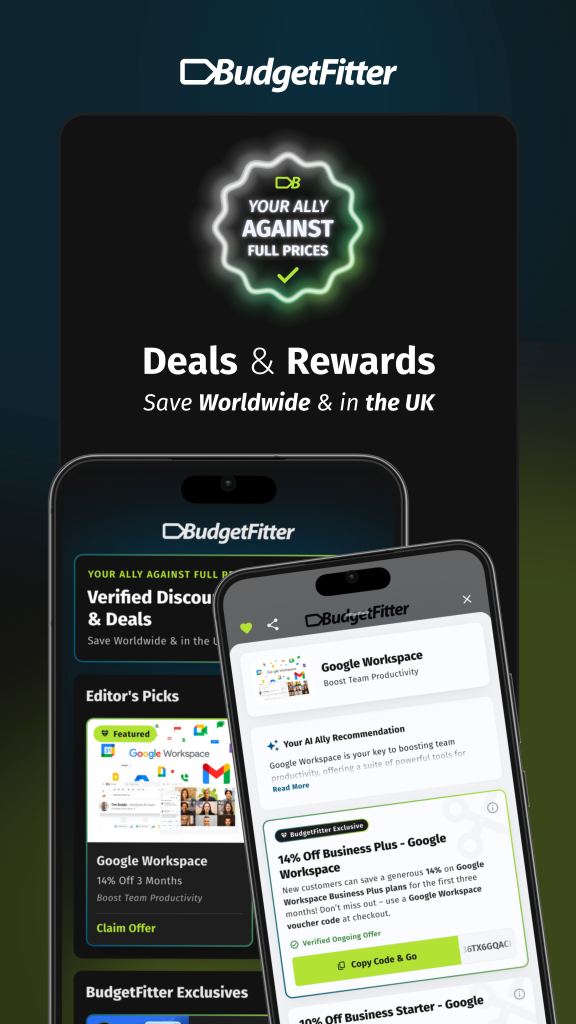
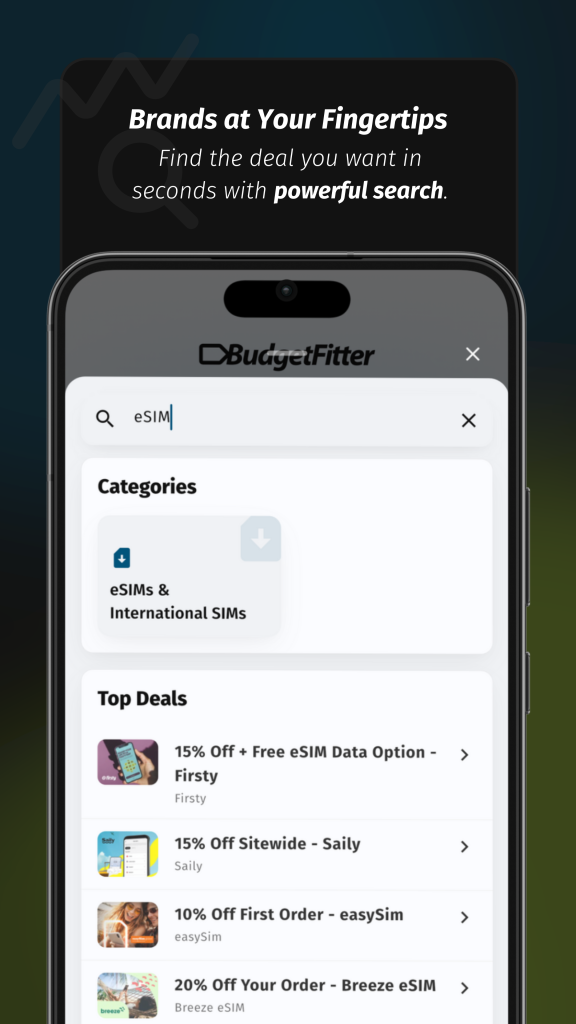
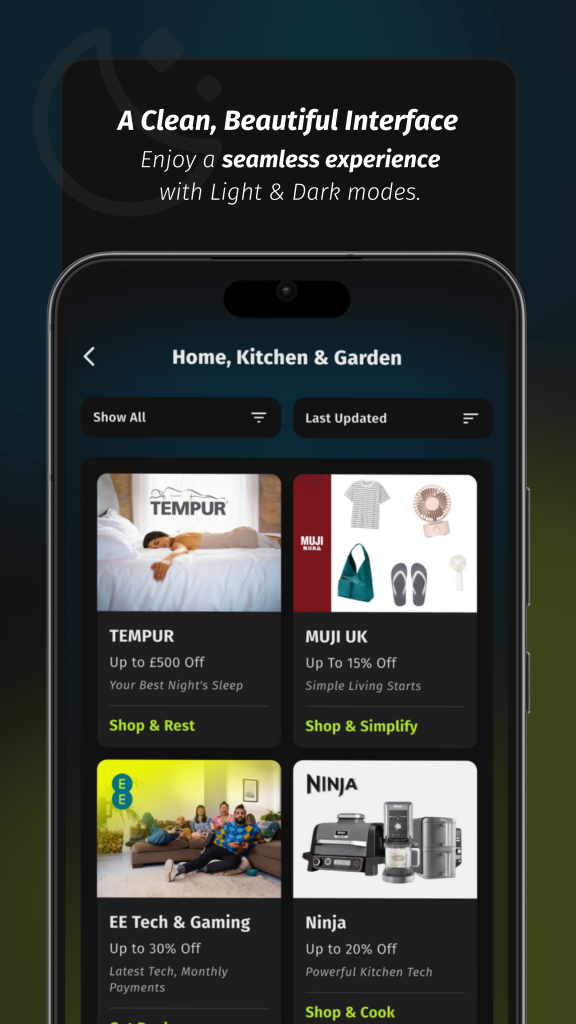
Manual verification. Instant alerts. Real loot. This isn't just a savings app; it's high-grade financial armour designed for the modern UK urbanite.
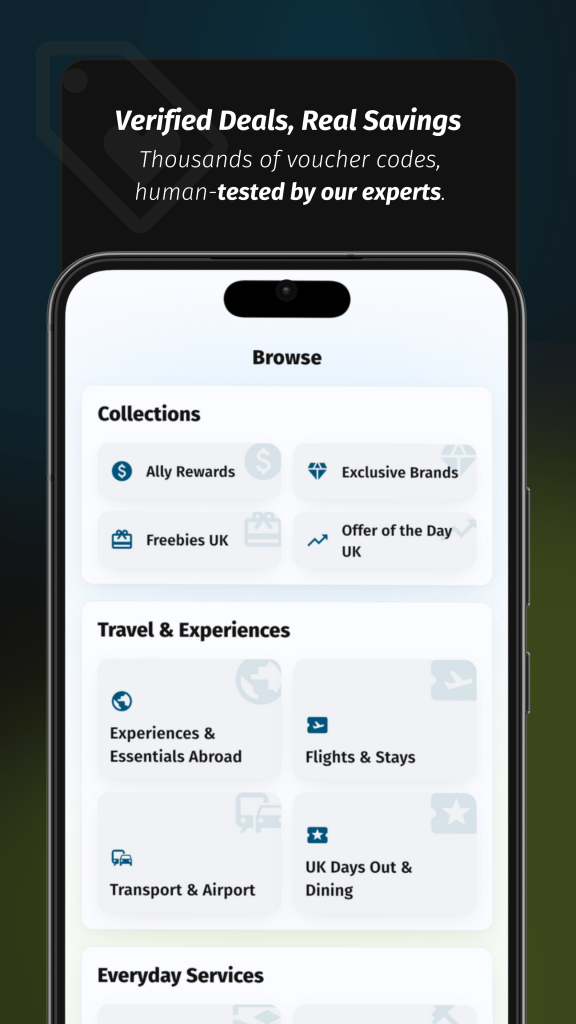
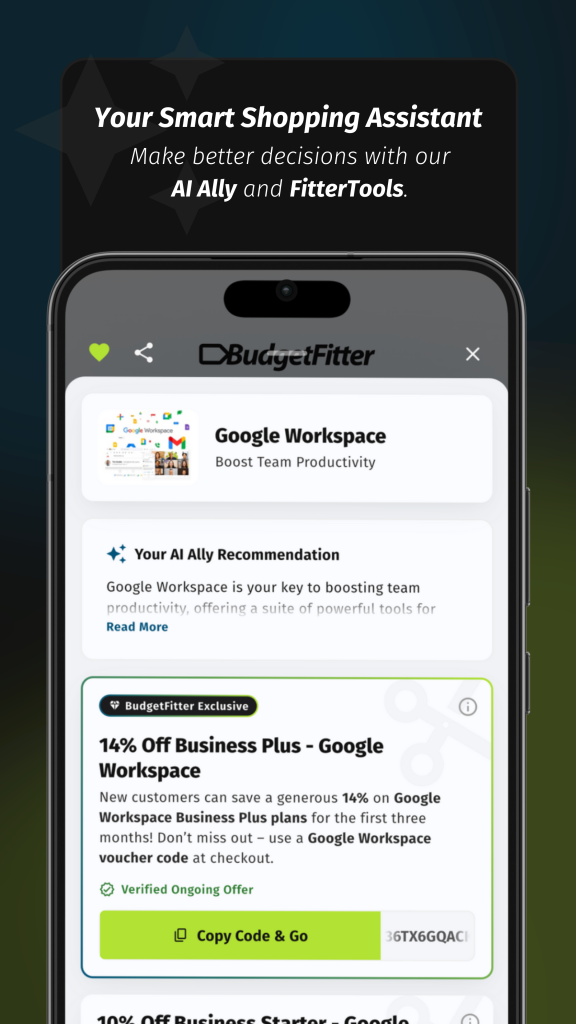

BEYOND BASIC VOUCHERS
SYSTEM CAPABILITIES
Operational Intel (FAQ)
The BudgetFitter app is available completely free for both iOS and Android. You can download it by searching for “BudgetFitter” in the Apple App Store or the Google Play Store.
Yes, our app is optimised for a seamless experience on both phones and tablets, so you can save comfortably on any device.
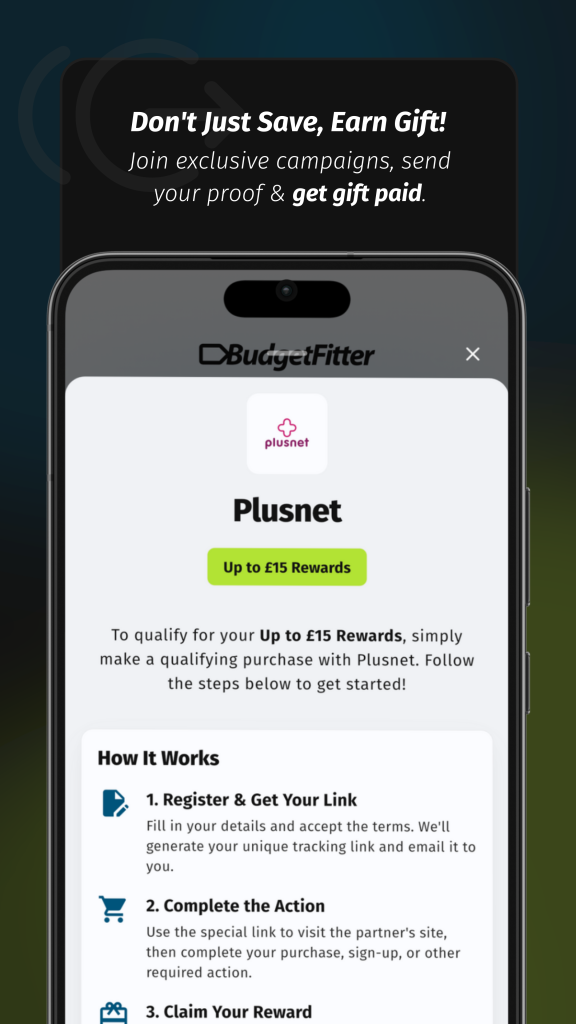
Creating a free account in the app unlocks our most powerful features. It allows you to create a personalised Watchlist of your favourite brands, receive instant deal alerts via push notifications, and participate in our exclusive Ally Rewards cashback programme. Our app is the centre of our savings ecosystem.
For your convenience and security, our app supports biometric login. After you have signed in once with your email, Google, or Apple account, you will be prompted to enable Face ID or Touch ID (depending on your device). Once enabled, you can access your account quickly and securely without needing to type your password.
The Watchlist is your personal, curated feed of deals. To add a brand, simply navigate to their page in the app and tap the heart icon near their name. Once a brand is on your Watchlist, you can easily view all their active offers in one place and ensure you get notifications for them.
You can access your Watchlist at any time by tapping the heart icon located in the main navigation bar at the bottom of the app screen. This will take you to a dedicated page showing all your saved brands and their latest deals.
Push notifications are the fastest way to hear about new savings. When you enable them, we can send an instant alert to your phone as soon as a new deal drops for a brand on your Watchlist. This is especially useful for flash sales or limited-time offers that you might otherwise miss.