Ever sketched a dream project on a napkin, only for reality to crumple it with shitty tools?
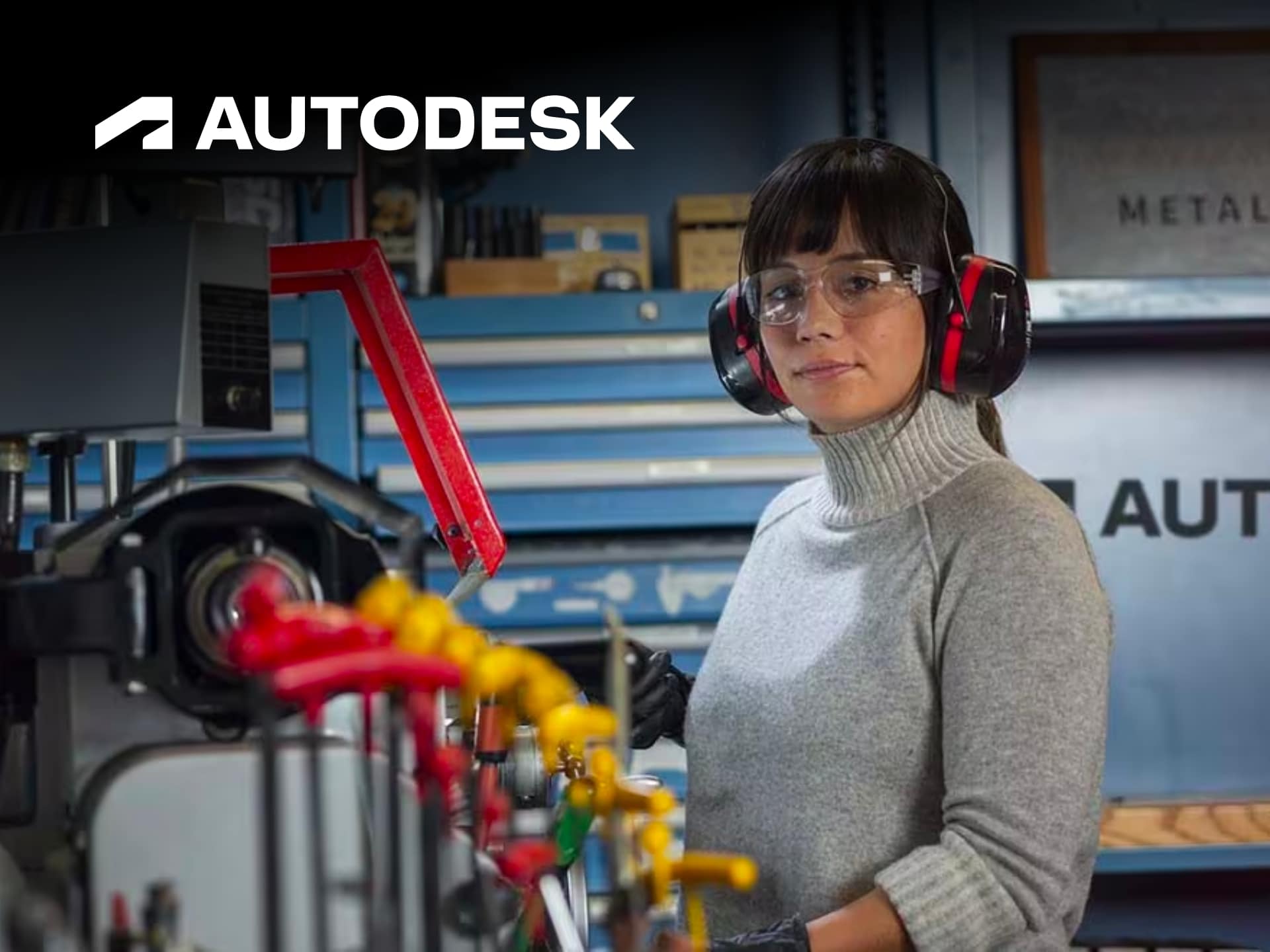
That’s the Autodesk fix. In the relentless grind of urban optimisation, where every second counts and corporate CAD software feels like a relic from the dial-up era, Autodesk steps in as the no-nonsense powerhouse. We’re talking industry-grade tools that let you design, engineer, and manufacture without the bloatware dragging you down. From architects dodging planning permission nightmares to makers prototyping in cramped flats, Autodesk turns vague ideas into precise blueprints. It’s not hype—it’s the software stack that’s powered everything from skyscrapers piercing the skyline to the gadgets in your pocket. We’ve dissected their suite, and for the tech-savvy nomad juggling freelance gigs on a laptop in co-working hell, it’s a workflow accelerator that pays for itself in saved hours.
Power Tools for the Urban Maker’s Arsenal
Autodesk isn’t some fluffy app store add-on; it’s a ecosystem of heavy hitters like AutoCAD for razor-sharp 2D drafting, Revit for BIM models that make construction pros weep with joy, and Inventor for 3D mechanical design that laughs at physical prototypes. Fusion 360? That’s the free-tier disruptor blending CAD, CAM, and CAE into one cloud-based beast—perfect for bootstrapping your side hustle without forking out for a beastly workstation. We ran it through real-world urban tests: modelling a modular flat extension during tube delays, simulating structural loads for a pop-up market stall, even optimising CNC paths for custom bike parts. The parametric modelling? Genius. Tweak one dimension, and the whole assembly updates—no manual redraws, no swearing at midnight deadlines.
What sets Autodesk apart in the jungle is the seamless integration. Maya and 3D Max dominate VFX and animation for those dipping into motion graphics gigs, while their construction cloud tools track projects in real-time, slashing overruns that bleed freelancers dry. Generative design in Fusion uses AI to spit out lightweight, efficient parts—think bike frames that shave grams without sacrificing strength. It’s gritty utility: cloud collab means your team’s edits sync instantly, no email chains or version confusion. For digital nomads hopping Wi-Fi spots, the browser access keeps you productive without lugging hardware. We’ve seen ROI skyrocket; one contact cut prototyping costs by 40% switching from legacy software. Autodesk isn’t perfect—learning curves bite for newbies—but their forums, tutorials, and certification paths turn that into an edge.
Thrive Mode: Autodesk in the Daily Grind
Picture this: you’re the urban optimiser crammed in a micro-flat, plotting your escape from the 9-5 via product design. Autodesk’s suite hacks that. Their free student versions and trials let you skill up without commitment, while enterprise flex options scale as your hustle grows. We tested interoperability—export to STL for 3D printing at the local fab lab, or AR previews via their apps to pitch clients on the go. Sustainability tools in Revit analyse energy use, helping you greenwash-proof your portfolio for eco-conscious briefs. And the media side? Arnold renderer delivers photoreal visuals that seal deals faster than a pitch deck.
It’s battle-tested against urban chaos: offline modes for dodgy connections, mobile apps for site snaps feeding back into models. No more “it works on my machine” excuses. Autodesk’s push into AI and automation—like automated clash detection in Navisworks—frees you from grunt work, letting you focus on the creative killshot. For tech pros, it’s the antidote to fragmented toolchains; everything talks to everything else, optimising your workflow like a well-oiled machine.
The Verdict: Essential Kit or Overkill?
Straight up: Autodesk is worth every optimised penny for serious players. It’s not cheap starterware, but the productivity gains crush the cost. Whether you’re an indie architect evading permit fees or a maker scaling to manufacture, it equips you to outpace the competition. Skip it, and you’re handicapping yourself in a field where precision wins contracts.
Hack the Price Tag with BudgetFitter
Full retail? That’s the lazy tax for suckers. Autodesk subscriptions start from accessible tiers, with education discounts and bundle deals slashing costs—but why stop there? BudgetFitter is your urban ally, the cheat code slicing through inflated pricing. We’ve curated the sharpest Autodesk codes, trials, and promos to keep your spend lean. Hit our website for instant verified deals, snag the browser extension for one-click checkout hacks, or grab the mobile app to stack savings mid-commute. Join the resistance, stop overpaying, and redirect those savings to your next prototype. Autodesk powers your empire; BudgetFitter funds it.