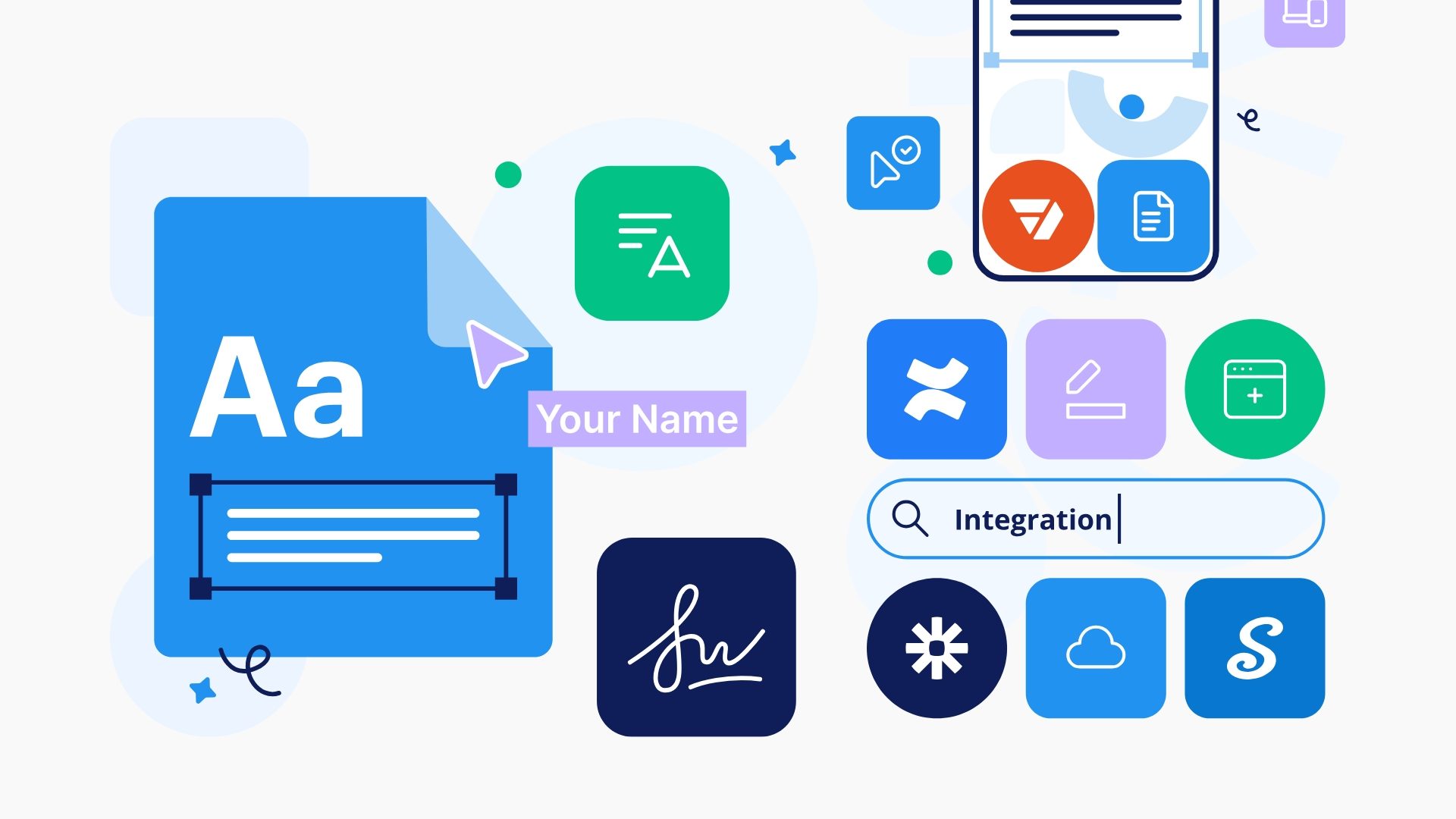







AirSlate DocHub interface showing document editing and e-signature tools for efficient digital workflow management.
airSlate DocHub Logo (2026)
BFS6.6/10Good

DocHub Promo Code

Browser-Based PDF Editor and E-Signature Platform

Follow
Ally Intelligence Live Analysis

AirSlate DocHub serves as a robust, browser-based PDF editor that bypasses the need for bloated desktop software, making it an essential tool for those who need to annotate, sign, and share documents without the heavy price tag of industry giants. By integrating directly with Google Drive, Dropbox, and OneDrive, it allows you to maintain a seamless workflow, while its ESIGN and UETA-compliant signatures ensure every contract you process is legally binding. If you are hunting for an airSlate DocHub discount code, the most effective way to optimise your expenditure is to shift from monthly payments to a long-term commitment.

The smartest play here is to avoid paying full price for individual billing cycles and instead leverage the Save 25% with Annual Billing offer. By committing to an annual plan, you secure the most significant reduction in cost, which is far more sustainable for freelancers and small businesses than rolling monthly subscriptions. If you are still testing the waters, you can start with the Free 30-Day Trial to ensure the platform’s integrations align with your specific document requirements before you fully migrate your workflow. Unlock the code in the list below to claim these savings and benefit from our current BudgetFitter Score of 6.6/10.

Disclaimer: Ally Intelligence is an informational AI-generated editorial summary based on current deal and brand signals processed by BudgetFitter. The update time refers to this summary text, not coupon or deal refresh timestamps. It is not financial, legal or investment advice.

airSlate DocHub: 25% Off & £20 Reward and More for August 2026 — 2 verified deals

Save 25% with Annual Billing

Choose the annual billing plan and save 25% compared to monthly billing on DocHub Pro. Click the button and follow the instructions on the landing page.

Free Trial

Free 30-Day Trial DocHub PDF Editor

Streamline your PDFs with DocHub editing and signing tools. Free 30-day trial of premium features, no card needed. Click the button and follow the instructions on the landing page.

COMMERCIAL INTELLIGENCE APP

Follow airSlate DocHub. Stop paying the Lazy Tax.

Follow airSlate DocHub and get real-time commercial intelligence on new drops. Personalised deal feeds, calendar reminders, and Ally Rewards tracking — built for discerning digital builders. No credit card, no spam.

Download QR Code
Scan to download
BudgetFitter Savings App — Verified Deals, BudgetFitter Score and Ally Rewards

airSlate DocHub at a Glance

Verified merchant background, operating reach and consumer facts.

Origin & Heritage
2014 · Boston, Massachusetts, USA (Maksim Pecherskiy · airSlate Inc.)
Parent Group
airSlate Inc. (Brookline, Massachusetts)
Geographic Scope
Cloud Browser PDF Editor, Form Creator & Legally Binding E-Signatures
Network & Presence
Global English-Speaking Market (85M+ Users Across UK, US & Worldwide)
Primary Audience
SMBs, Freelancers, Educators, Legal Teams & Remote Professionals
Customer Support
24/7 Online Knowledge Base, Ticket Support & [email protected]
Accepted Payments
Visa, Mastercard, American Express, Discover & PayPal
Fulfilment & Access
Instant Browser Cloud Access (Google Workspace & Chrome Extension)
Licensing & Protection
SOC 2 Type II Certified, HIPAA Compliant, GDPR & ESIGN / eIDAS Valid
6.6 / 10
Good
BudgetFitter Score

airSlate DocHub

An independent benchmark of trust, value and demand — built from first-party insights, user sentiment and external search signals.

Trust & Authority 8.6
Value & Exclusivity 7.1
Popularity & Demand 3.8
Ally Intelligence Live Analysis

Ten years of digital heritage provides a solid bedrock for airSlate DocHub, a platform that clearly prioritises functional reliability over flashy marketing. With a Trustpilot rating of 4.7, it has earned the quiet confidence of a massive user base, proving that it handles document workflows without the usual software friction. While it does not shout for attention on global search trends, its robust domain authority and commitment to post-quantum security standards suggest an organisation that is more interested in protecting your data than chasing viral vanity metrics.

The primary hurdle here is a lack of mainstream visibility, which keeps it firmly in the 'utility' category rather than the 'essential' tier for most explorers. It is not a brand looking to disrupt your life with high-octane hype; instead, it offers consistent, predictable performance for those who value stability in their tech stack. If you require a no-nonsense tool that simply works, the current deal activity makes this a pragmatic choice, provided you are comfortable with a platform that prefers the background to the limelight.

Disclaimer: Ally Intelligence is an informational AI-generated editorial summary based on current deal and brand signals processed by BudgetFitter. The update time refers to this summary text, not coupon or deal refresh timestamps. It is not financial, legal or investment advice.

Detailed Breakdown
Technical & Security info
Website Authority (OpenPageRank)info
A (Trust) Weight: 2
4.69
4.7 / 10
Domain Stability (RDAP)info
A (Trust) Weight: 2
Advanced HTTPS Security (Cloudflare Radar)info
A (Trust) Weight: 1
Domain Rating (Ahrefs)info
C (Popularity) Weight: 3
7.50
Domain Rating: 75.0 / 100 (last successful)
Domain Popularity (Cloudflare Radar)info
C (Popularity) Weight: 2
BudgetFitter Platform info
Deal & Coupon Activity (BudgetFitter)info
B (Value) Weight: 5
6.70
2 active promotions
Ally Rewards Bonus (BudgetFitter)info
B (Value) Weight: 2
Brand Popularity (BudgetFitter Website)info
C (Popularity) Weight: 1
6.73
Better than 35% of brands (cumulative)
Following Interest (BudgetFitter Mobile App)info
C (Popularity) Weight: 1
5.18
Better than 40% of brands (cumulative)
Community Rating (BudgetFitter)info
C (Popularity) Weight: 1
10.00
5.0 / 5 (1 rating) Rate
Exclusive Bonus (BudgetFitter)info
B (Value) Weight: 1
Eco-Friendly & B Corp Bonus (BudgetFitter)info
A (Trust) Weight: 1
Brand Popularity & Demand info
Trustpilot Rating (Trustpilot)info
A (Trust) Weight: 4
Search Demand UK (Google Trends)info
C (Popularity) Weight: 4
Search Demand Worldwide (Google Trends)info
C (Popularity) Weight: 3
Score History
Community Rating
5.0 out of 5
1 rating Submitted by the BudgetFitter community.
Your Opinion Tap to vote
How would you rate your overall experience with airSlate DocHub?

Disclaimer: The BudgetFitter Score (BFS) is an informational algorithmic estimate based on internal and third-party signals. Refreshed on a rolling basis using internal and external trust and demand signals — this also enables us to identify low-rated brands and stop promoting them for your safety. BFS scores are fully independent — no brand can sponsor, advertise, or pay to influence their rating. Not financial, legal or investment advice.

Editing PDF documents online, annotating contracts, creating reusable interactive forms, and sending legally binding e-signatures with seamless Google Workspace integration is fast and affordable with a verified airSlate DocHub Discount Code or promotional DocHub Promo Code. Founded in 2014 in Boston, USA by Maksim Pecherskiy (now operating as part of airSlate Inc.), DocHub is the world’s leading browser-native PDF management and e-signing platform, trusted by over 85 million professionals, educators, and businesses globally. By upgrading to DocHub Pro annual plans, users save up to 28% and unlock a 30-day free trial on unlimited PDF editing from £7.90 a month.

Browser-Based PDF Editing, Form Templates & ESIGN-Compliant Signatures

DocHub combines lightweight cloud simplicity with powerful document workflow capabilities:

  • Cloud-Native PDF Editing: Modify text, redact sensitive data, insert images, merge pages, and reorder sheets directly in Google Chrome.
  • Legally Binding E-Signatures: Send sign requests to multiple recipients with tamper-evident audit trails compliant with ESIGN and eIDAS.
  • Google Workspace & Drive Sync: Open, edit, and save PDF files directly from Gmail attachments, Google Drive, and Google Classroom within 24 hours.
  • Reusable Form Templates: Publish fillable web forms and generate public URL links to collect signatures and customer data.
  • 30-Day DocHub Pro Free Trial: Test unlimited PDF workflows, bulk signing, and advanced security risk-free for a full month.
  • SOC 2 Type II & HIPAA Certified: Bank-grade 256-bit encryption ensuring strict privacy compliance for legal, healthcare, and education files.

DocHub Pro vs Free Plan Pricing and Document Allowances

To help freelancers, educators, and commercial teams select the ideal subscription, BudgetFitter benchmarked DocHub tiers:

DocHub Plan Tier Monthly Price (Annual Billing) Monthly Price (Rolling Monthly) Document Allowances & Key Features
Free Starter Plan /bin/bash.00 / month (£0.00) /bin/bash.00 / month 5 Documents / mo · 3 Sign Requests · 5MB Limit
DocHub Pro (Best Value) 0.00 / month (~£7.90 / mo · Save 28%) 4.00 / month (~£11.00 / mo) Unlimited Docs · Unlimited E-Signs · 50MB Limit
Desktop PDF Suites (Adobe) £19.97 – £29.99 / month Standard Desktop Licensing Heavy Local Software Install · Complex Setup

DocHub Cloud SaaS vs Traditional Desktop PDF Editors

BudgetFitter’s software specialists benchmarked DocHub against legacy desktop PDF software:

Product Dimension airSlate DocHub Browser SaaS (0.00/mo) Legacy Desktop PDF Applications (£20–£30/mo)
Platform Accessibility Any Browser (Chrome, Edge, Mac, Windows, Chromebook) Heavy Desktop App Install Required per Device
Google Drive Integration Native 1-Click Open Directly from Google Drive & Gmail Requires Downloading, Editing Locally & Re-Uploading
Multi-Party E-Signing Automated Signer Sequencing with Email Reminders Requires Separate Paid E-Signature Add-On Tool
Team Collaboration Shared Team Workspaces & Template Libraries Individual Single-User Licence Restrictions
Trial Evaluation Period Full 30-Day Free Pro Evaluation Strict 7-Day Desktop Trial Limitations

Maximising Savings on Your DocHub Pro Subscription

To capture maximum value and lowest subscription fees across your organisation, follow these practical steps:

  • Choose Annual Invoicing: Opt for annual billing at 20/year (0/month) instead of 4 monthly to instantly pocket a 28% discount.
  • Activate the 30-Day Pro Trial: Take full advantage of the 30-day free trial period to build your company form templates and test multi-signer workflows.
  • Install the Official Chrome Extension: Add the DocHub Chrome extension to edit Gmail attachments directly without leaving your browser inbox.
  • Utilise Shared Form URLs: Replace individual signature requests with public form links to collect unlimited client responses effortlessly.

Consumer Watchdog: Free Quota Cycles, File Limits and Team Licences

BudgetFitter’s consumer watchdog highlights practical operating terms before subscribing:

  • Rolling 30-Day Free Quota: On the free tier, document and signature allowances reset on a rolling 30-day cycle from each document creation date.
  • File Size Constraints: Free plans enforce a 5MB per-file upload ceiling, whereas DocHub Pro supports larger documents up to 50MB.
  • Per-Seat Team Billing: Multi-user business workspaces require individual Pro licences for each collaborating team member.
  • Hassle-Free Cancellation: Pro subscriptions can be cancelled at any time online through account settings prior to the next billing date.

How to Activate Your DocHub Promo Code

Streamline your digital document workflows in four simple steps:

  1. Visit Website: Go to dochub.com and click ‘Start Free Trial’ or ‘Get Pro’.
  2. Select Pro Annual Plan: Choose the annual billing option to lock in the 28% discount.
  3. Apply Promo Code: Enter any valid promotional discount code in the checkout panel.
  4. Connect Cloud Storage: Connect your Google Drive or Dropbox account and begin editing.

Explore Related Document, Productivity & Workspace Software

To compare PDF utilities, cloud office suites, and document tools, explore BudgetFitter’s curated Document & Productivity Apps Category. Compare software from verified peer brands including airSlate pdfFiller, Setapp, AirDroid, ABBYY FineReader, MindManager, EaseUS, WPS Office, and AOMEI.

Claim the verified DocHub promo codes above to edit, annotate, and e-sign your PDF documents today.

Frequently Asked Questions about airSlate DocHub

Clear answers on airSlate DocHub voucher codes, checkout terms, and verified savings.

How do I use a DocHub promo code?

Visit dochub.com, click on 'Pricing' or 'Upgrade to Pro', select the annual billing option to secure up to 28% in savings, and enter any valid promotional discount code in the voucher box before completing checkout.

How does DocHub integrate with Google Drive and Gmail?

DocHub installs directly as a Google Workspace connected app, allowing you to right-click any PDF in Google Drive or Gmail to open, annotate, redact, and e-sign it instantly without downloading third-party software.

What features are included in the DocHub 30-day free trial?

The 30-day DocHub Pro trial provides complete access to unlimited document editing, unlimited legally binding e-signatures, reusable form templates, 50MB file size limits, and priority email support.

Are DocHub e-signatures legally binding?

Yes, DocHub digital signatures comply with the US ESIGN Act, UETA, and European Union eIDAS regulations, generating tamper-evident digital audit trails for every completed document.

Can I use DocHub for free?

Yes, DocHub offers a free starter plan that includes 5 document edits, 3 signature requests, and basic annotation tools every month for lightweight individual use.

System Log // LAST VERIFIED: 2026-07-13 BY JAKE MORRISON

Today's Active Intel

Active Codes
1,080
Verified Deals
1,293
Ally Rewards
98
Total Opportunities
2,471

The Fitter Newsletter

Verified deals and exclusive codes, delivered weekly. Free, unsubscribe any time.

Live Activity & Savings

Anonymous verified activity across BudgetFitter.