




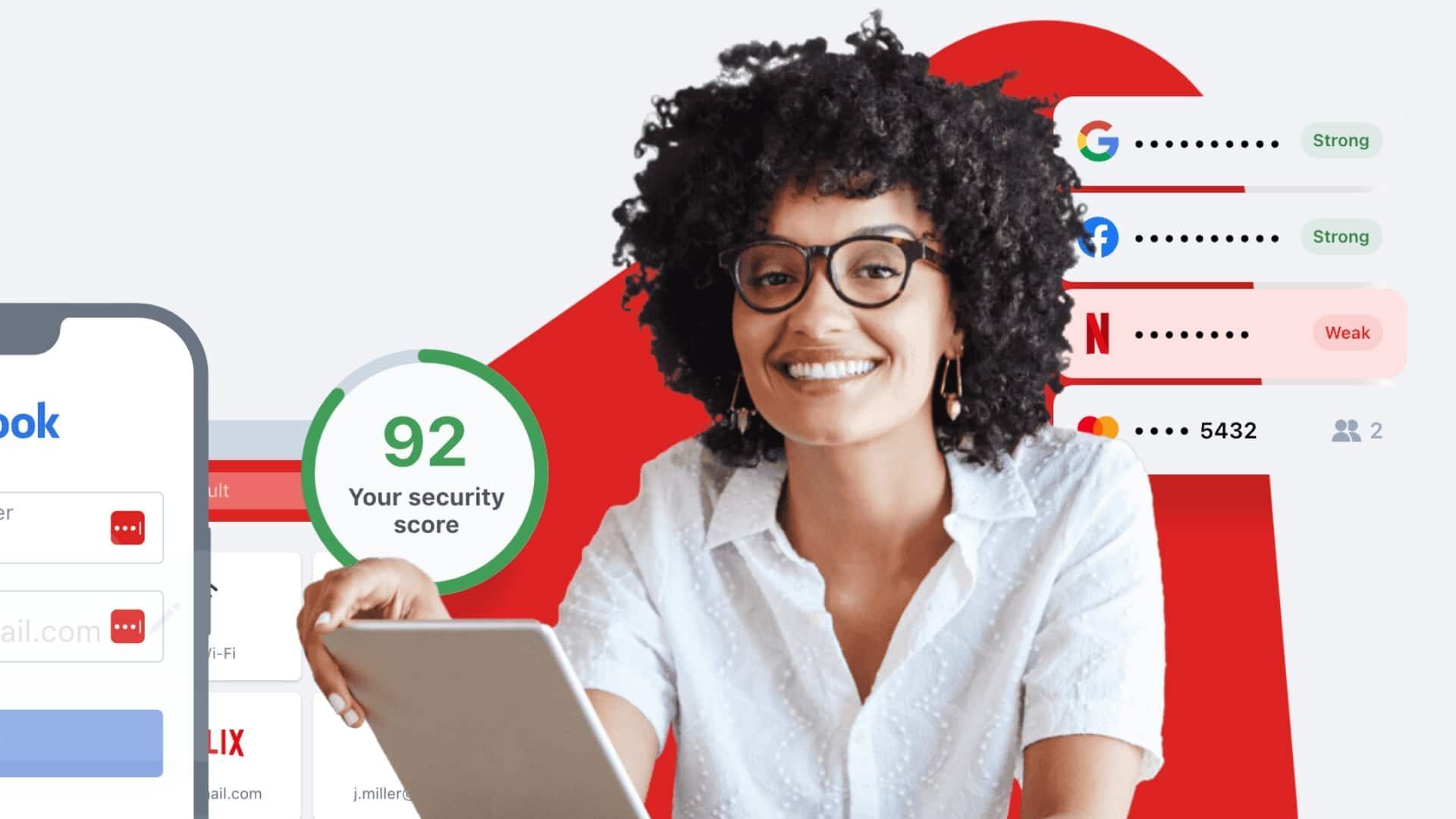

Valid for new LastPass customers only on qualifying online plan subscriptions purchased via the official LastPass website. Cannot be combined with other introductory promotions and remains subject to standard LastPass terms.
LastPass Discount Code
Cloud Password Manager and Zero-Knowledge Vault
LastPass: 35% Off LastPass Premium • Updated for November 2026
LastPass Deals & Discounts
We verify every offer. When you buy through our links, we may earn an affiliate commission.
Learn more
Discounted LastPass Premium rate is billed annually on qualifying subscriptions purchased via the official LastPass website. Applicable taxes are calculated at checkout. Subscription renews at standard rates unless cancelled beforehand.
35% Off LastPass Premium from £2.60/Month
LastPass Business promotional pricing is billed annually per user on eligible online orders at the official LastPass website. Applicable taxes are added at checkout and standard subscription renewal and cancellation terms apply.
20% Off LastPass Business from £5.50/User
Valid on qualifying online bookings and purchases at official LastPass website. Subject to availability and standard merchant terms. Cannot be combined with other promotional offers unless specified.
Summer Sale
30% Off Premium Password Management
BF Intelligence
OFFICIAL MOBILE APP · iOS & ANDROID
Follow LastPass. Stop paying the Lazy Tax.
Follow LastPass for instant drop alerts and human-verified voucher codes. Access BF Intelligence, your cloud-synced Personal Vault, FitterPass Circle, and Daily Coffee briefings — free on iOS and Android.


Scan to install

LastPass at a Glance
Verified merchant background, operating reach and consumer facts.
Origin & Heritage
2008 · Fairfax, Virginia & Boston, Massachusetts, USA (Joe Siegrist & Andrew Gross)
Parent Group
LastPass US L.P. (Independent Entity)
Geographic Scope
UK Nationwide & 100+ Global Countries (33+ Million Users & 100,000+ Businesses)
Network & Presence
Zero-Knowledge Password Vaults, Multi-Device Sync, Dark Web Monitoring & SSO
Primary Audience
Remote Professionals, Freelancers, Families, IT Administrators & Enterprise Teams
Customer Support
24/7 Knowledge Base, Community Forum & Priority Support Ticket Portal
Accepted Payments
Visa, Mastercard, American Express, PayPal & Enterprise Invoicing
Fulfilment & Access
Instant Digital Vault Setup via Browser Extensions, iOS & Android Apps
Licensing & Protection
AES-256 Bit Encryption, PBKDF2 SHA-256 Iterations, SOC 2 Type II & ISO 27001
7.1
/ 10
Good
BudgetFitter Score
BudgetFitter Score: LastPass
An independent benchmark of trust, value and demand — built from first-party insights, user sentiment and external search signals.
Trust & Authority
5.8
Value & Exclusivity
7.7
Popularity & Demand
7.9
BF Intelligence
Technical & Security
Website Authority
OpenPageRank
·
A (Trust)
·
Weight ×2
5.28
5.3 / 10 (last successful)
Domain Stability
RDAP Registry
·
A (Trust)
·
Weight ×2
10.00
Advanced HTTPS Security
Cloudflare Radar
·
A (Trust)
·
Weight ×1
10.00
Domain Rating (DR)
Ahrefs
·
C (Popularity)
·
Weight ×3
8.80
Domain Rating: 88.0 / 100
Global Traffic Rank
Cloudflare Radar
·
C (Popularity)
·
Weight ×2
9.00
BudgetFitter Platform
Deal & Coupon Activity
BudgetFitter
·
B (Value)
·
Weight ×5
7.65
4 active promotions
Platform Traffic Demand
BudgetFitter Web
·
C (Popularity)
·
Weight ×1
7.36
Better than 47% of brands (cumulative)
Follower Demand
BudgetFitter App
·
C (Popularity)
·
Weight ×1
5.14
Better than 39% of brands (cumulative)
Community Rating
BudgetFitter Community
·
C (Popularity)
·
Weight ×1
8.80
4.4 / 5
(19 ratings)
Rate
Exclusive Partner Bonus
BudgetFitter
·
B (Value)
·
Weight ×1
Eco-Friendly & B Corp Bonus
BudgetFitter
·
A (Trust)
·
Weight ×1
Brand Popularity & Demand
Trustpilot Rating
Trustpilot
·
A (Trust)
·
Weight ×4
UK Search Demand
Google Trends
·
C (Popularity)
·
Weight ×4
7.00
Global Search Demand
Google Trends
·
C (Popularity)
·
Weight ×3
8.20
Disclaimer: The BudgetFitter Score (BFS) is an informational algorithmic estimate based on internal and third-party signals. Refreshed on a rolling basis using internal and external trust and demand signals — this also enables us to identify low-rated brands and stop promoting them for your safety. BFS scores are fully independent — no brand can sponsor, advertise, or pay to influence their rating. Not financial, legal or investment advice.
Alternatives to LastPass
Explore similar partner brands and compare rates, features and BFS trust ratings.








Related Categories
Founded in 2008 by cybersecurity software engineers Joe Siegrist and Andrew Gross and headquartered in Boston, Massachusetts, LastPass (LastPass US L.P.) has grown into one of the world’s most widely recognised digital identity and password management platforms, protecting credentials for more than 33 million active users and over 100,000 commercial organisations worldwide. By replacing vulnerable spreadsheets, handwritten notes, and hazardous password reuse with an encrypted digital vault accessible via a single master password, LastPass safeguards personal and corporate online accounts, with premium individual plans starting from just £2.60 per month.
Whether protecting online banking logins, streaming accounts, and family Wi-Fi credentials or enforcing strict single sign-on (SSO) and multi-factor authentication (MFA) policies across an expanding remote workforce, applying a verified LastPass Discount Code delivers instant savings of up to 35% off annual personal and business subscriptions. Our cybersecurity evaluation at BudgetFitter confirmed that LastPass implements client-side zero-knowledge AES-256 encryption, meaning your vault is encrypted and decrypted locally on your device with keys derived from your master password, ensuring company servers never have access to your raw credentials.
Zero-Knowledge Architecture, PBKDF2 Hashing & Cross-Device Sync
LastPass safeguards digital accounts through multi-layered cybersecurity protocols:
- Client-Side AES-256 Bit Encryption: All passwords, credit card numbers, software licences, and secure notes are encrypted on your local hardware using 256-bit AES encryption before syncing to the cloud.
- PBKDF2 SHA-256 Key Derivation: Master passwords undergo 600,000 rounds of PBKDF2 key stretching with salted hashes, preventing brute-force and dictionary decryption attacks.
- Automated URL-Matching Autofill: Browser extensions across Chrome, Edge, Firefox, and Safari match credentials strictly against exact domain URLs, shielding users against deceptive phishing websites.
- Continuous Dark Web Breach Monitoring: The automated security dashboard scans dark web repositories in real time, alerting you immediately if stored email addresses or passwords appear in external third-party data breaches.
- Emergency Access Vault Sharing: Nominate trusted family members or business associates to request access to your vault in critical situations, governed by an adjustable waiting period between 0 and 30 days.
LastPass vs Competing Password Managers (1Password, NordPass, Keeper)
Compare encryption algorithms, device synchronisation rules, and security features across leading password managers:
| Security Platform & Origin | Encryption Standard & Derivation | Device Synchronisation Model | Key Consumer Advantage |
|---|---|---|---|
| LastPass (Boston, USA) | AES-256 + 600,000 PBKDF2 Iterations | Free (Single Device Type) / Premium (Unlimited) | Established feature set, 35% off annual plans & dark web breach surveillance |
| 1Password (Toronto, Canada) | AES-256 + 128-bit Secret Key Architecture | Unlimited Multi-Device Sync on All Plans | Unique Secret Key dual-layer protection and excellent Travel Mode vault hiding |
| NordPass (Panama / Nord Security) | XChaCha20 Next-Gen Encryption | Free (1 Active Device) / Premium (Unlimited) | Ultra-modern XChaCha20 cryptography paired with clean Nord security ecosystem tools |
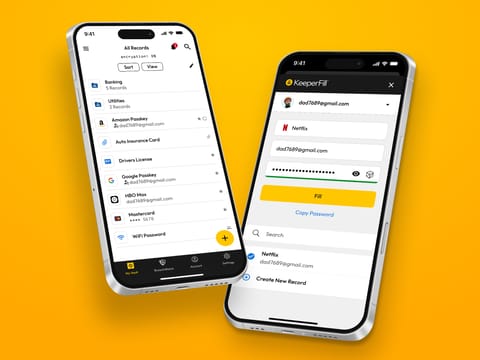
| Keeper (Chicago, USA) | AES-256 Zero-Knowledge + PBKDF2 | Unlimited Multi-Device Sync on Premium | Rigorous zero-trust government security compliance and secure file storage add-ons |
Consumer Watchdog Guide: Free Tier Device Limits, Emergency Access & PBKDF2 Settings
Maximise your cybersecurity posture and manage your encrypted vault safely with these practical tips from BudgetFitter’s software analysts:
- Understand the Free Tier Device Restriction: LastPass Free restricts usage to a single device category (either mobile devices only or desktop computers only). If you switch between an iPhone/Android and a laptop across 12 months of daily usage, upgrading to Premium is essential to maintain seamless automatic autofill.
- Set Up Emergency Recovery Options: Because LastPass operates a strict zero-knowledge architecture, forgotten master passwords cannot be reset by customer support. Activate mobile biometric recovery (Face ID / Fingerprint) and keep a printed one-time recovery password in a secure fireproof location.
- Verify Your PBKDF2 Iteration Count: In your account settings under ‘Advanced Settings’, ensure your PBKDF2 password iteration count is set to at least 600,000 rounds to benefit from the highest available protection against computational brute-force attacks.
- Configure Multi-Factor Authentication (MFA): Link your vault with a hardware security key (YubiKey) or an authenticator app (Google Authenticator, Microsoft Authenticator) so logins require secondary physical verification.
- Utilise the Family Plan for 6 Distinct Vaults: If outfitting a household, the LastPass Families tier provides six separate private encrypted vaults for less than the cost of two individual Premium plans, saving up to £45 per year.
Step-by-Step Guide: Securing Your Digital Vault with a LastPass Discount Code
Set up your encrypted password vault and claim your promotional savings in five simple steps:
- Choose Your Plan: Visit LastPass and select Premium, Families, or Business based on your security needs.
- Select Annual Billing: Choose an annual subscription to activate the baseline 35% discount with a 30-day free trial.
- Apply Promotional Code: Enter your verified discount code in the checkout promo voucher box to deduct your savings.
- Create Master Password: Create a strong, unique master passphrase of 12+ characters that you will easily remember.
- Install Browser Extensions: Download the LastPass extension on your web browser and mobile app to import existing browser passwords and begin autofilling credentials securely.
Complementary Business Security, Document Management & SaaS Infrastructure
To discover more savings across legal, privacy & compliance, explore BudgetFitter’s canonical Legal, Privacy & Compliance Hub. Shoppers and professionals investing in LastPass can also optimise everyday value with verified complementary lifestyle and workflow partners, including Tide for automated bookkeeping and corporate expense management, Bubble for secure cloud hosting and domain infrastructure, ABBYY FineReader for smart document workflows and PDF management and Gusto for employee onboarding and payroll administration.
Frequently Asked Questions about LastPass
Clear answers on LastPass voucher codes, checkout terms, and verified savings.
How do I redeem a LastPass discount code on my subscription?
To redeem promotional savings on LastPass, visit lastpass.com, choose your desired personal or business plan (Premium, Families, Teams, or Business), select an annual billing cycle, and apply your verified discount code on the checkout screen before entering payment details.
How does LastPass protect my passwords with zero-knowledge encryption?
LastPass implements zero-knowledge security using client-side AES-256 bit encryption and PBKDF2 SHA-256 password hashing. Your master password never leaves your personal device, meaning LastPass staff and servers cannot view, decrypt, or access your stored credentials.
What is the key difference between LastPass Free and Premium?
LastPass Free allows unlimited password storage on a single device type (either mobile only or desktop only). Upgrading to Premium unlocks seamless cross-device synchronisation across all smartphones, tablets, and computers, plus dark web monitoring and emergency access.
How does the LastPass Emergency Access feature work?
Emergency Access allows you to designate trusted contacts (family members or business partners) who can request access to your vault in the event of an emergency. You configure a custom waiting period (from 0 to 30 days) during which you can decline unauthorised requests.
Does LastPass offer a free trial for new users?
Yes. LastPass provides a 30-day free trial of LastPass Premium for individual users with no credit card required upfront, as well as a 14-day free trial for business teams evaluating enterprise single sign-on (SSO) and group vault policies.